
Marketing
Image editing software for marketing teams: how to choose and accelerate with AI
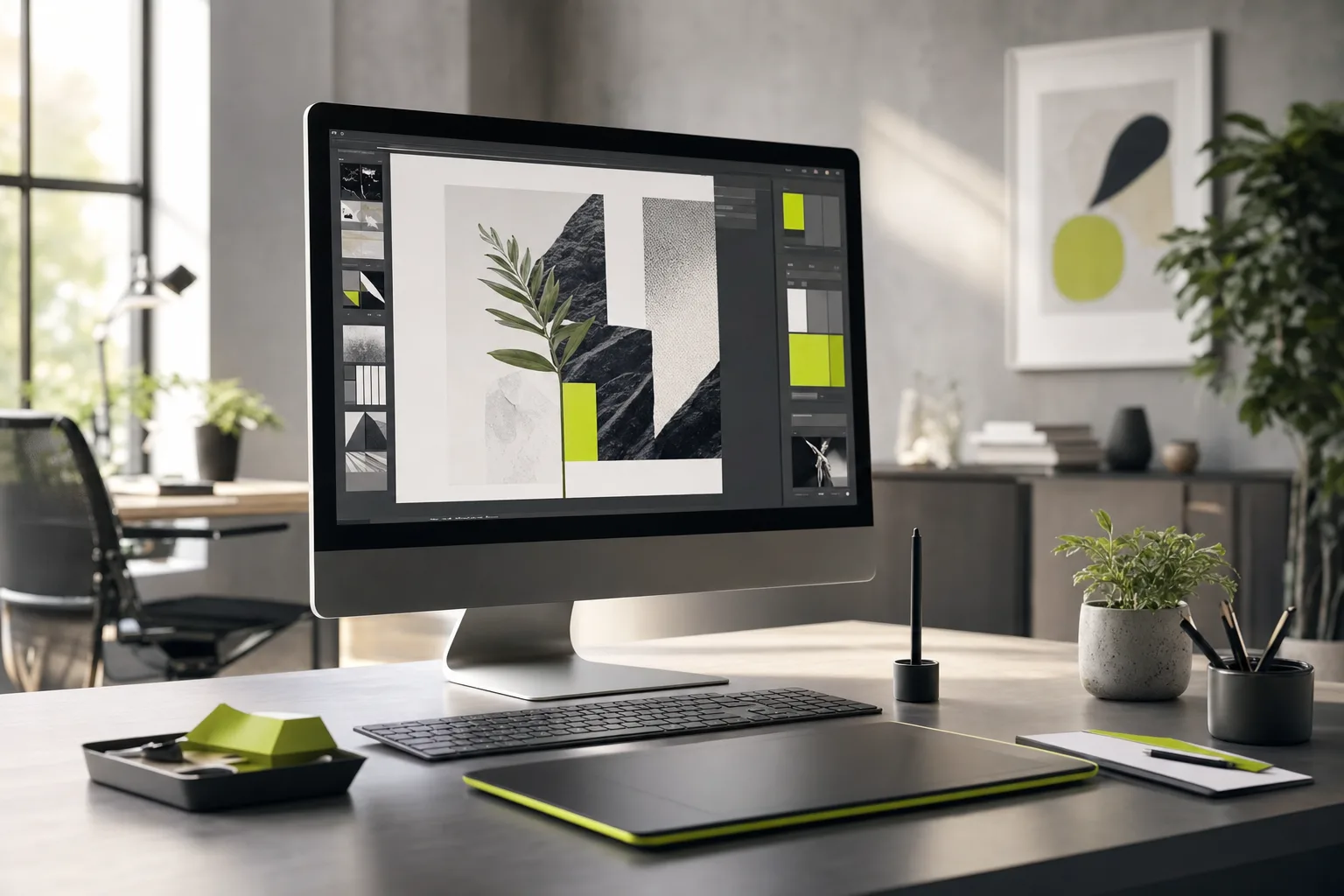
Your marketing team has the idea, has the approved copy, has the campaign ready to launch. And even so, the asset misses the deadline. The creative is stuck in an editing queue, the designer is drowning in resizing a banner into ten formats, and every ad variation becomes one more day of waiting. Meanwhile, the campaign window closes. The bottleneck in image production is almost never a lack of talent: it is a lack of flow. And when the image stalls, the entire marketing operation stalls with it.
Why teams get stuck in image production
Demand for images has grown at a pace that traditional production structures cannot keep up with. Every campaign today needs dozens of variations: feed, stories, cover, ads in different proportions, a version in another language, an A/B test of creative. The job stopped being "create one asset" and became "create and adapt hundreds of assets per month." When that depends on a few specialized hands operating heavy software, the result is predictable: backlog, rework, and lost sales opportunities because the creative was not ready in time.
The types of image editing software
Before choosing a tool, it helps to understand that they solve different problems. Mixing the categories is the most common mistake of anyone building a stack on the fly.
- Professional editors: Photoshop, Affinity and the like. Full control over the pixel, ideal for fine retouching and final art, but with a steep learning curve and little scalability for volume.
- Collaborative template editors: Canva, Figma and similar. They democratize production, let non-designers generate assets within templates, and maintain brand consistency at scale.
- AI generators: they create images from scratch based on a text prompt. They solve the problem of generic stock libraries and photo production timelines.
- AI-assisted editing: background removal, scene expansion, retouching and element swapping in seconds, tasks that used to consume hours of a specialist's time.
- DAM and pipeline: they organize, version and distribute finished assets. Without this, the asset is born and gets lost in a folder no one can find.
Generative AI as an accelerator for creative production
The real shift of recent years was not a prettier editor: it was generative AI entering the middle of the flow. It works on two fronts. In generation, it turns a text briefing into several visual options in minutes, which shortens the path between the idea and the first approvable draft. In assisted editing, it automates the repetitive work that was suffocating the team: cropping, expanding into new formats, cleaning up imperfections, generating color and background variations. The designer stops being an adjustment operator and goes back to being an art director, deciding what makes it into the campaign instead of executing manual tasks. The gain is not only speed, it is focus.
How to choose by team type
There is no "best" tool, there is the right tool for your stage. Use the team profile as your criterion.
- Small, generalist team: prioritize a collaborative template editor with built-in AI. A few people need to produce a lot while keeping the brand consistent, without depending on a specialist for every asset.
- Performance and high-volume team: prioritize AI generation and editing plugged into the ad workflow. What matters is generating dozens of creative variations per day to feed the tests.
- Brand team: keep a professional editor for premium final art and use AI as support, never as a final deliverable without human curation.
- An operation that truly scales: the stack of rented tools starts to get expensive and rigid. This is the moment to consider your own software, designed for your flow, with AI at the center of the process.
When the rented tool becomes a limit
Most teams assemble a patchwork of third-party software, pay subscriptions every month, and still run into what each one cannot do. OnWeb solves this another way: we are a software house that builds custom software with Corporate AI at the center, and that software becomes an asset of your business, goes on the balance sheet, and does not disappear when you stop paying the monthly fee. We have already done this with App Netlinks, an AI platform that runs an entire agency from the content factory to finance, and with Luz no Bolso, an AI salesperson that reads the electricity bill through computer vision and closes the sale in the chat. If your team's creative production has become a bottleneck, you can build the tool it actually needs. Talk to OnWeb.
Does generative AI replace the team's designer?
No. It replaces the repetitive manual task, not brand judgment. The designer moves on to directing and curating what the AI produces, gaining the capacity to deliver far more assets with controlled quality.
Is it worth having your own image software instead of subscribing to ready-made tools?
It depends on volume and stage. For small teams, ready-made tools do the job. For operations that produce at scale and want technology to be a business asset, custom software with AI at the center tends to be cheaper in the long run and to fit the real flow.
How do you keep brand identity when using AI generation?
With templates, human curation, and brand rules applied inside the flow. AI speeds up the draft, but final approval needs to pass through a defined standard, whether in a locked template or in software that already carries the brand rules.
What infrastructure does a custom AI solution run on?
In OnWeb's case, on Google Cloud, with several AI models operating with automatic failover to guarantee availability, backed by more than 20 years of engineering.