
Custom AI agents
AI agents for business: intelligence that does the work, not just the talking
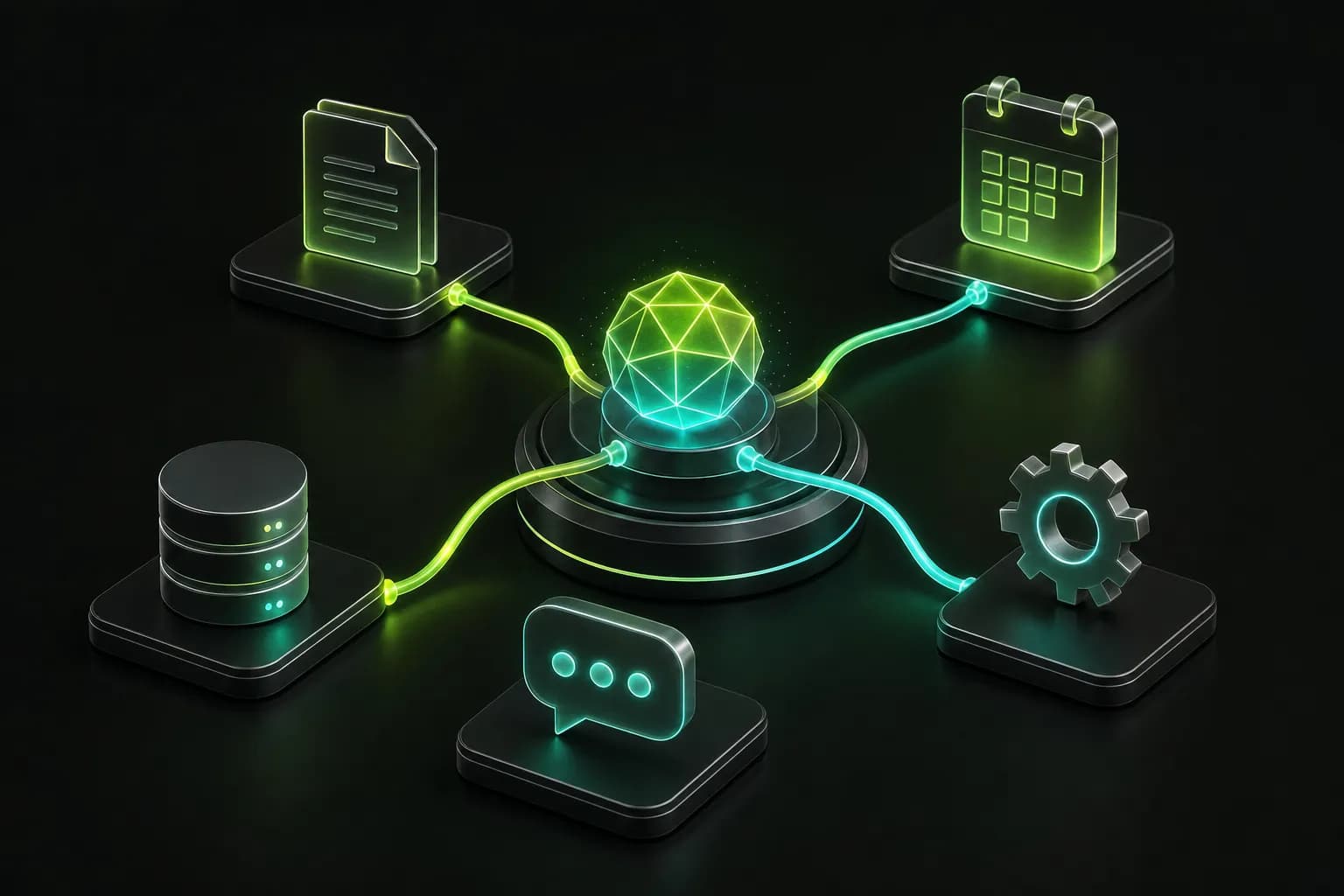
An AI agent receives a goal, queries your systems, decides the next step and acts: it creates the quote, signs up the customer, updates the task, replies on WhatsApp. OnWeb designs, builds and runs agents with business rules and cost control.
- OnWeb agents in production with real customers
- 4
- OnWeb agents in production with real customers
- AI providers orchestrated with failover
- 3
- AI providers orchestrated with failover
- when Alfred organizes each team member's day
- 8 a.m.
- when Alfred organizes each team member's day
- leads sent without bill and ID at Luz no Bolso
- 0
- leads sent without bill and ID at Luz no Bolso
What an AI agent is
An AI agent is a system that uses a language model to understand a request and uses tools to fulfill it. The difference from a regular chatbot is action: the chatbot answers; the agent queries the database, calls an API, fills in a record, sends a message and checks that it worked.
A well-built agent has three parts: the model (Claude, Gemini, GPT), the tools it can use (each with permissions and limits) and the business rules that say what it may and must never do.
AI agents in production, built by OnWeb
Agents we built that work every day:
EDI, energy salesperson
reads a photo of the electricity bill, compares local companies and completes sign-up until it has bill and ID. See the case.
Davi, miles copilot
checks today's price in the database and records the quote in the CRM through a tool. See the case.
Alfred, support and management
answers clients in WhatsApp groups in each brand's voice and organizes the team's day. See the case.
Safy, catalog specialist
receives the live catalog and recommends the right product for each job, without making things up. See the case.
Where an AI agent pays off
The best places to start have volume, clear rules and available data:
- Sales and pre-sales: qualify, quote, recommend and sign up, at any hour.
- Customer service: answer based on history and company policy, escalating to a human when needed.
- Back office: read documents, check data, post to the system and notify whoever needs to know.
- Team management: remind deadlines, log deliveries and consolidate the day's status.
- Analysis: cross data from several systems and answer leadership questions in plain language.
How we build agents that stay on track
The common fear with agents is losing control: the AI inventing a price, promising what the company does not do or overspending. That is what the engineering is for.
- Permissioned tools: the agent only does what the tool allows, and every action is logged.
- Data from the source, not from memory: price, catalog and policy come from your system in every conversation.
- Business guardrails: rules in code, not only in the prompt, such as requiring an ID before sending a lead.
- Autonomy modes: off, suggest for a human to approve or act alone, per channel or per client.
- Cost under control: the right model per task, limits per call and a spend dashboard per provider.
- Failover: if an AI provider goes down, the agent continues on another.
AI agent or chatbot?
| Menu chatbot | AI chatbot | AI agent | |
|---|---|---|---|
| Understands free text | No | Yes | Yes |
| Queries your systems | Rarely | Sometimes | Whenever needed |
| Takes actions | No | A little | Yes, with tools |
| Reads documents and images | No | Sometimes | Yes |
| Best for | Simple FAQ | Support and questions | End-to-end processes |
If the goal is answering questions on the website, start with an AI chatbot. If it is on WhatsApp, see WhatsApp chatbot.
What you get
Agent design
goal, tools, rules and limits, approved before building.
Integrations
connection to CRM, ERP, database, WhatsApp or whatever the agent needs.
Agent in production
on the right channel: website, WhatsApp, internal panel or API.
History and audit
every conversation and action logged for the team to review.
Cost dashboard
how much each agent spends per day and per AI provider.
Continuous improvement
rules and answers tuned from real usage.
How we implement
- 01
Choosing the process
where the agent saves the most time or generates the most revenue.
- 02
Prototype with real data
the agent tested on real company cases in a closed environment.
- 03
Integration and guardrails
tools connected to systems and business rules in code.
- 04
Assisted launch
it starts by suggesting for the team to approve and gains autonomy in stages.
- 05
Operation
monitoring, cost and monthly evolution.
Built by OnWeb

Energy · Community solar comparison
Luz no Bolso
A community solar comparison platform with 75 companies in 26 Brazilian states and EDI, an AI that reads a photo of the electricity bill, compares local providers and completes sign-up in the chat.
Read the case
Travel · Airline miles buying
Master Milhas
A website with instant quotes, a custom CRM with a deal pipeline, a client area and Davi, an AI chatbot that checks the day's price and creates the quote in the CRM.
Read the case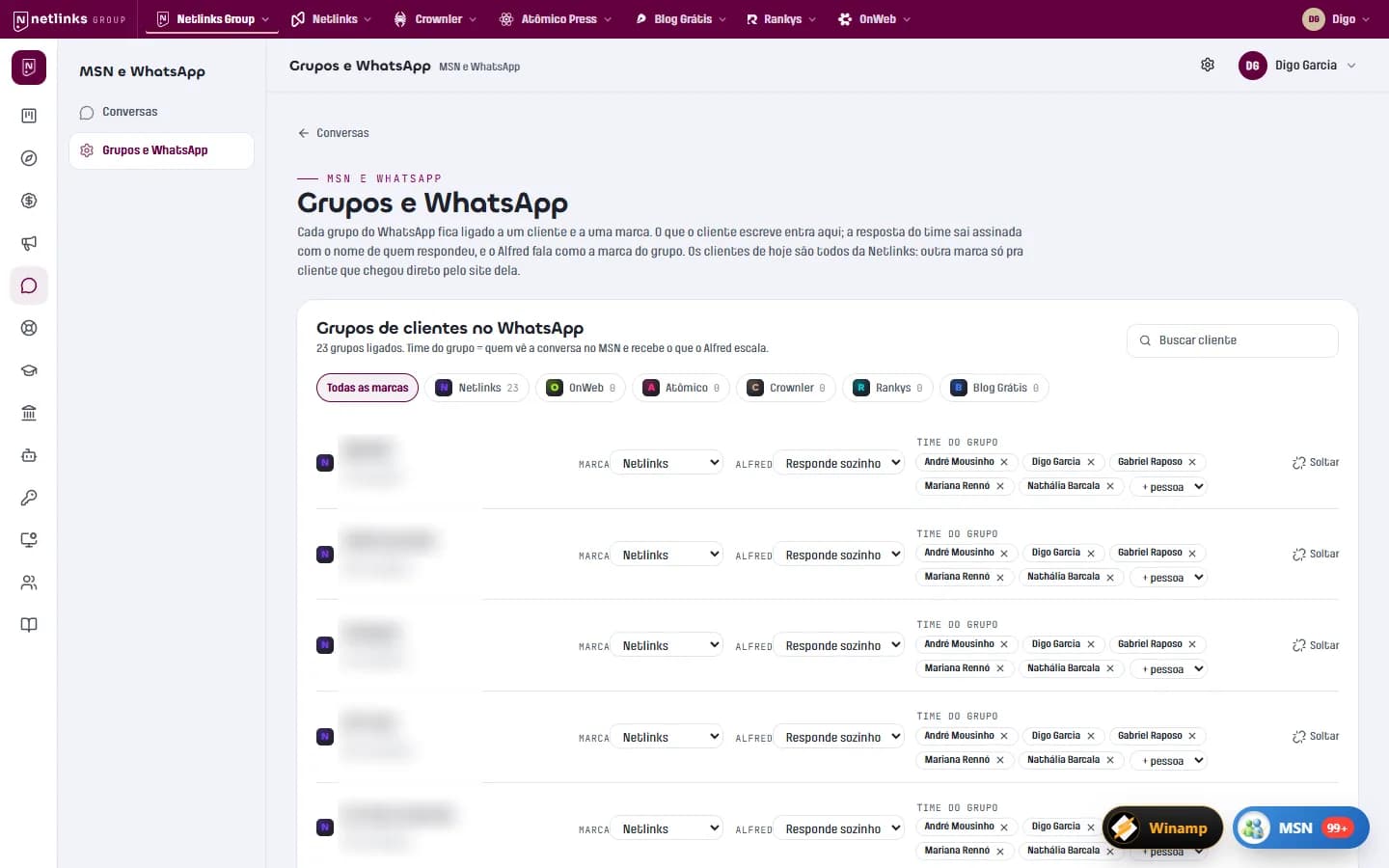
Internal platform · AI-powered operations
App Netlinks and Netlinks Group
The platform that runs the Netlinks Group: an MSN-style inbox integrated with clients' WhatsApp groups, Alfred answering as customer success, and finance that issues invoices and reads the bank balance on its own.
Read the case
Manufacturing · Safety footwear
Safetline
A three-language website with its own management panel, an AI assistant that recommends products, 3D models generated from photos and 627 legacy URLs migrated without losing Google.
Read the caseFrequently asked questions
What is the difference between an AI agent and regular automation?
Regular automation follows fixed rules and breaks when a case falls outside them. An agent understands requests in natural language, handles variation and decides which tool to use, within the rules you set.
Can an AI agent make mistakes?
It can, like any person. That is why OnWeb agents use data from the source, have business guardrails in code and start in a mode where they suggest and a human approves.
How much does it cost to run an AI agent?
Model usage usually costs cents per conversation. OnWeb picks the right model for each task and shows spend in a dashboard.
Is my company's data safe?
Agents run on your Google Cloud infrastructure with controlled data access. We use models through enterprise APIs, where submitted data is not used to train the providers' models.
How do I create an AI agent for my company?
Start with a process that has volume and clear rules, define what the agent may do and with which data, and test with real cases before opening it to customers. OnWeb walks that path with you.
Related services
Shall we turn your business on?
Tell us what you need. We reply with a diagnosis of the technical path, timeline and investment, with no strings attached.