
Systems and API integration
Systems integration: your software talking to each other, with no double entry
The order arrives on the website, goes to the CRM, becomes a charge at the bank and an invoice at the tax authority, without anyone copying and pasting. OnWeb integrates systems via API, webhook and database, securely, with logging and alerts when something fails.

- Bradesco for billing, statements and balance
- API
- Bradesco for billing, statements and balance
- issued via API through Brazil's National Issuer
- NFS-e
- issued via API through Brazil's National Issuer
- Safetline website forms in the right lists
- Brevo
- Safetline website forms in the right lists
- server for AI agents in Crownler
- MCP
- server for AI agents in Crownler
Why integrate your company's systems
Every isolated system creates a human task: export, copy, check, paste. Over time those tasks become queues, errors and different numbers in each place. Systems integration makes information flow between tools on its own, at the right moment and in the right format.
The effect is twofold: the team stops typing what has already been typed and the company starts trusting the numbers, because they come from a single source.
Integrations we do most
Banks
bank slip and instant payment registration, payment lookups, statements and balance via certificate-authenticated API.
Tax invoices
Brazilian NFS-e issuance under the national standard, with the company's A1 certificate.
CRM and marketing
website, chat and WhatsApp leads entering the CRM and email lists (Brevo, RD Station).
client conversations mirrored into the system and replies going out from the company number.
ERP
orders, stock, customers and prices synced with the website and sales.
Search Console, Analytics, Workspace (sending email from the company account) and Vertex AI.
How we build integrations that do not break
Poorly built integrations cause a large share of system incidents. The practices that became standard at OnWeb:
- API first: whenever a system offers an official API, we use it. Screen-clicking bots are a last resort.
- Credentials in a vault: keys and certificates in Google Cloud Secret Manager, never in code.
- Static outbound IP: when the partner requires IP allowlisting, as banks and some email platforms do.
- Safe retries: if a call fails, the system retries without duplicating the operation.
- Queue and log: every send stored with its status, to reprocess and audit.
- Alerts: persistent failures become team alerts before they become customer complaints.
Examples in production
- Netlinks Group: Bradesco (billing, statements and balance), the national NFS-e issuer, WhatsApp and Google Workspace in one panel. See the case.
- Safetline: website forms stored in the database, emailed and sent to the right Brevo lists, with a static IP allowlisted by their IT. See the case.
- Master Milhas: website, chatbot and CRM reading the same price table and creating deals with no typing. See the case.
- Crownler: Search Console, Google Analytics, DataForSEO and clients' WordPress, plus an API and MCP server for AI agents. See the case.
Integration with AI
AI without integration is an isolated chat. With integration, it reads the order in the CRM, checks stock in the ERP, answers the customer on WhatsApp and logs the reply. We also do the reverse: expose your systems to AI agents through APIs and the MCP protocol, as we did with Crownler. See AI agents.
What you get
Integration map
which systems talk, which data flows, when and in which direction.
Integrations in production
APIs, webhooks and scheduled routines on Google Cloud.
Security
credentials in a vault, static IP when needed and least-privilege access.
Monitoring
a log of every send, reprocessing and alerts.
Documentation
how each integration works, for the team and for audits.
Maintenance
updates when a partner changes its API or a certificate expires.
How we integrate
- 01
Discovery
current systems, available APIs, contracts and credentials.
- 02
Flow design
the source of truth for each piece of data and what happens on error.
- 03
Test environment
sandbox with the partner when available (banks and tax authorities offer one).
- 04
Assisted production
first runs monitored and checked with the team.
- 05
Operation
continuous monitoring and maintenance.
Built by OnWeb
Internal platform · AI-powered operations
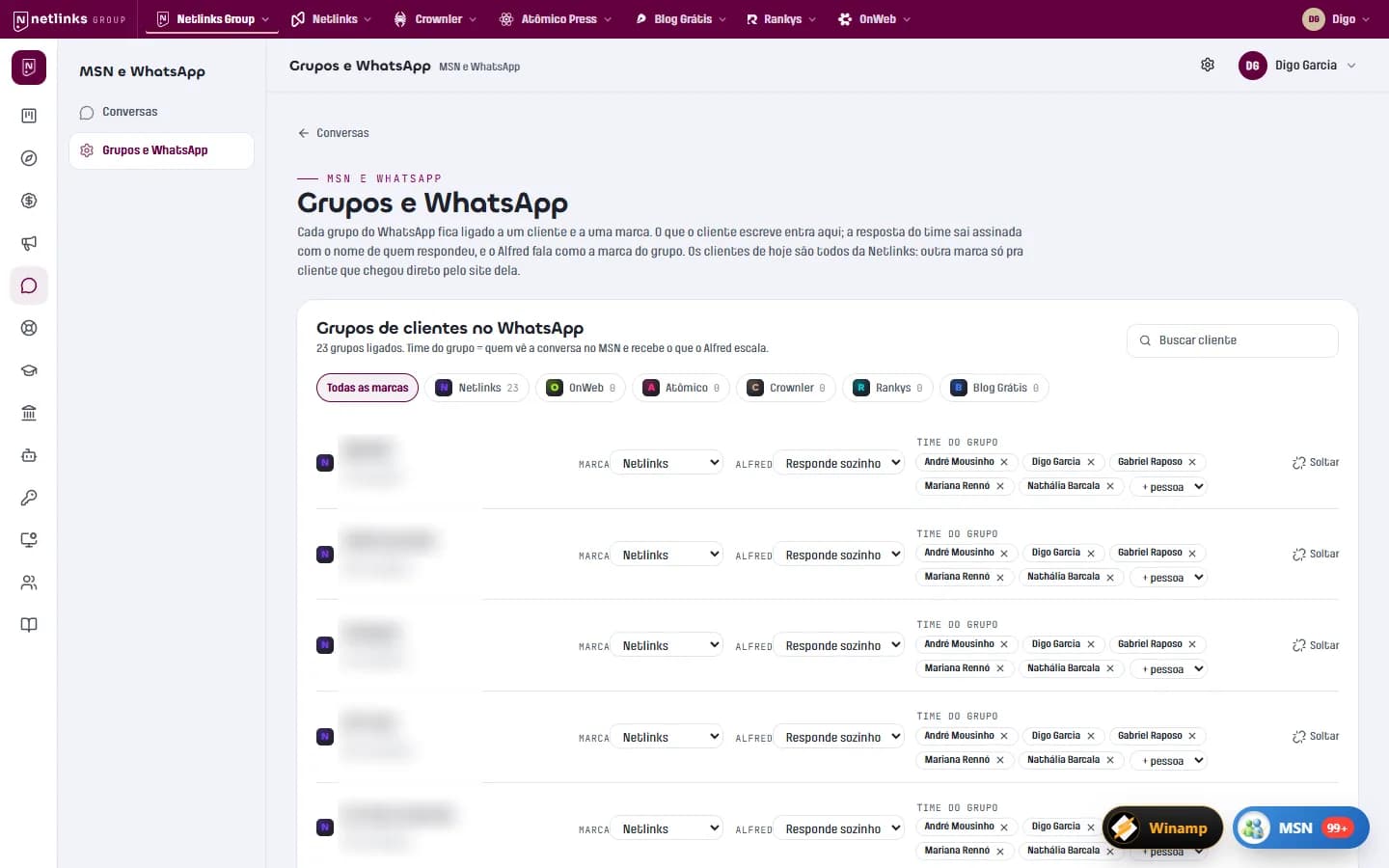
App Netlinks and Netlinks Group
The platform that runs the Netlinks Group: an MSN-style inbox integrated with clients' WhatsApp groups, Alfred answering as customer success, and finance that issues invoices and reads the bank balance on its own.
Read the case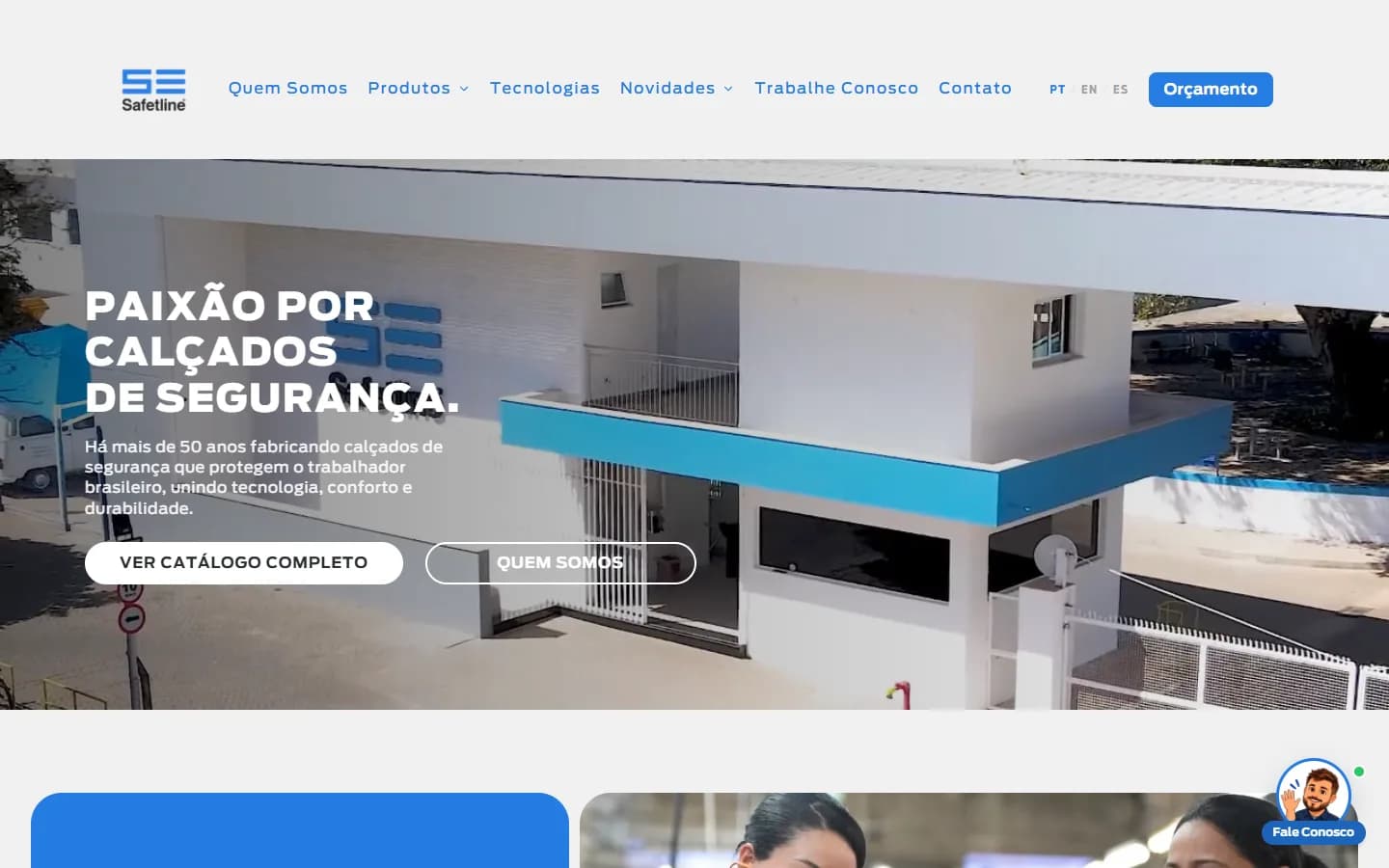
Manufacturing · Safety footwear
Safetline
A three-language website with its own management panel, an AI assistant that recommends products, 3D models generated from photos and 627 legacy URLs migrated without losing Google.
Read the case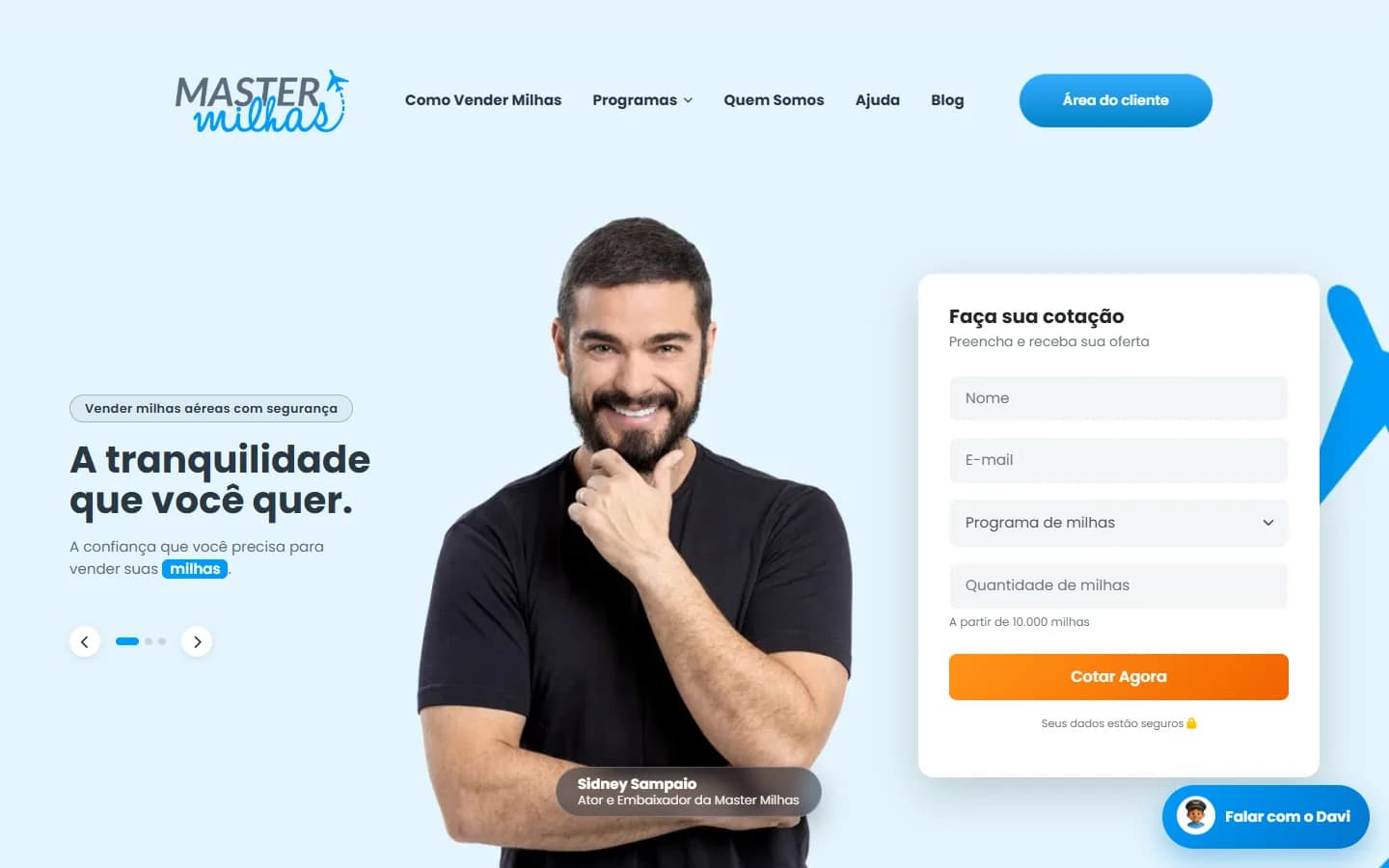
Travel · Airline miles buying
Master Milhas
A website with instant quotes, a custom CRM with a deal pipeline, a client area and Davi, an AI chatbot that checks the day's price and creates the quote in the CRM.
Read the case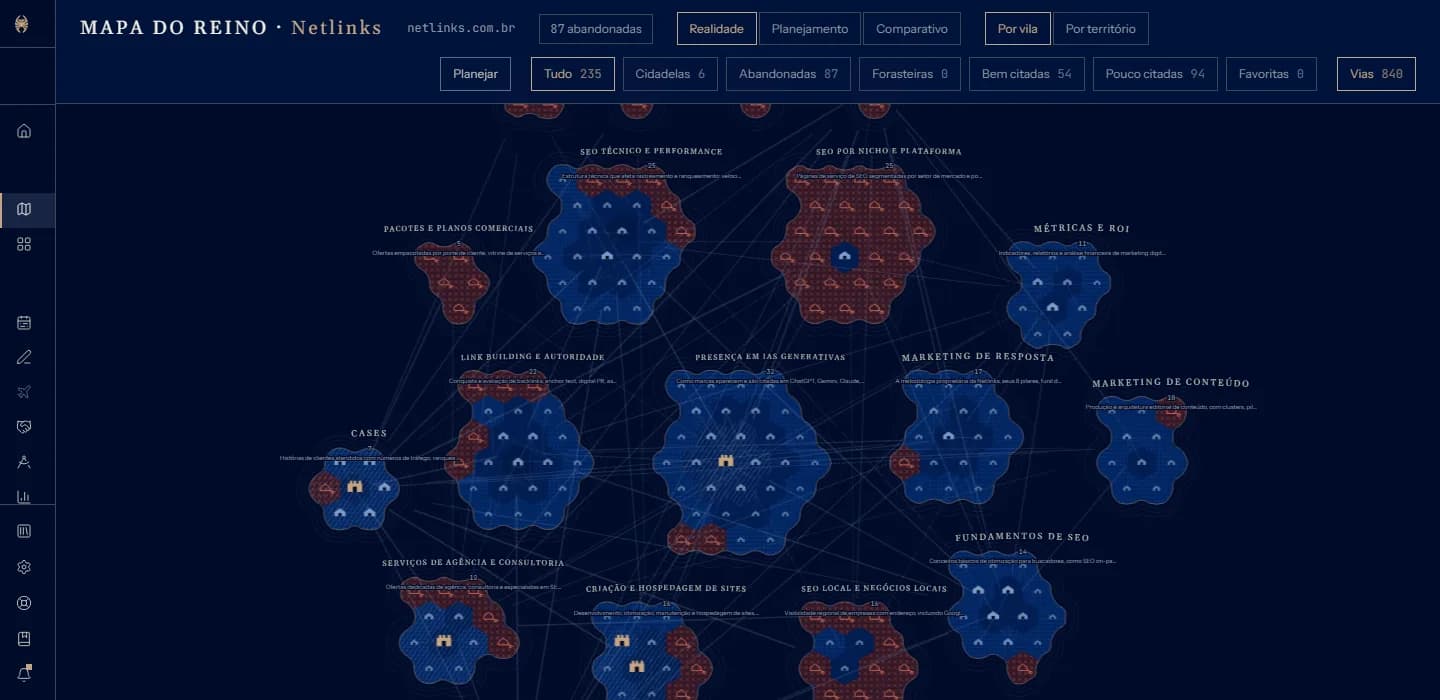
SaaS · SEO and GEO
Crownler
An SEO and GEO SaaS in four languages: it reads the whole site and draws it as a map, tracks Google and AI answers, produces content and talks to AI agents via API and MCP.
Read the caseFrequently asked questions
My system has no API. Can it be integrated?
Often yes, through the database, scheduled file exchange or exports. As a last resort, screen automation, always with monitoring.
How much does systems integration cost?
It depends on the quality of the API on the other side and on volume. Integrations with well-documented APIs are quick; banks and tax authorities require certification and certificates, which take longer.
Do you integrate with banks?
Yes. We already run a Bradesco integration in production for billing, payment lookups, statements and balance.
What is a webhook?
It is when one system notifies another the moment something happens, such as a confirmed payment, instead of the other system asking from time to time.
Related services
Shall we turn your business on?
Tell us what you need. We reply with a diagnosis of the technical path, timeline and investment, with no strings attached.