
Portals and intranets
A corporate portal for customers, teams and partners, with single sign-on
Invoices by email, documents in shared folders, order status over the phone. A corporate portal brings it all into one logged-in area, organized by profile and connected to your systems. OnWeb builds custom portals and intranets.

- login for every Netlinks Group app
- 1
- login for every Netlinks Group app
- group apps sharing the same integrated inbox
- 6
- group apps sharing the same integrated inbox
- each person sees only what is theirs
- Role
- each person sees only what is theirs
- trail on every document
- Audit
- trail on every document
Types of portals we build
Customer portal
orders, invoices, tax receipts, contracts, deliverables and support tickets in one place.
Intranet
announcements, documents, processes and internal tools for the team.
Sales rep portal
catalog, price list, materials and orders for the field sales force.
Supplier portal
quotes, document uploads and payment tracking.
Systems hub
a single entry point to several company apps with the same login.
Single sign-on across systems
Companies with several systems suffer with a different password for each. At the Netlinks Group, OnWeb implemented single sign-on: the same account opens the Netlinks app, the Group app, Crownler and client portals, and a shared bar moves between apps. Someone inside a client account sees only that client's data.
We use Google Identity Platform, with role-based permissions, separation per company and protection against repeated sign-in attempts.
What usually goes into a portal
- Documents with an audit trail: who uploaded, viewed and downloaded, as in the finance documents screen at Netlinks Group.
- Customer finance: invoices from every brand the customer buys from, with payment options and tax receipts.
- Support: tickets on a board, with number, owner and email notifications.
- Project tracking: stages, deliverables and approvals visible to the customer.
- Search and assistant: an AI that answers questions about the user's own documents and history.
A portal connected to your systems
A portal that must be fed by hand becomes one more outdated place. OnWeb portals read data directly from source systems (ERP, finance, CRM, project management) through integration, so customers see an invoice as soon as it is issued and a status as soon as it changes.
What you get
Profiles and permissions
who accesses what, by company, area and person.
Portal in production
responsive, with your brand and domain.
Secure login
single account, password recovery and attempt lockout.
Integrations
data from source systems, with no duplicate records.
Management panel
content, users and announcements editable by the team.
Evolution
new areas as usage grows.
How we build it
- 01
User profiles
who will sign in and what they need to see and do.
- 02
Data sources
which systems feed each area of the portal.
- 03
Design and prototype
screens validated with real users.
- 04
Build and integrate
portal, login and connections.
- 05
Invite and adoption
accounts created, user communication and initial support.
Built by OnWeb
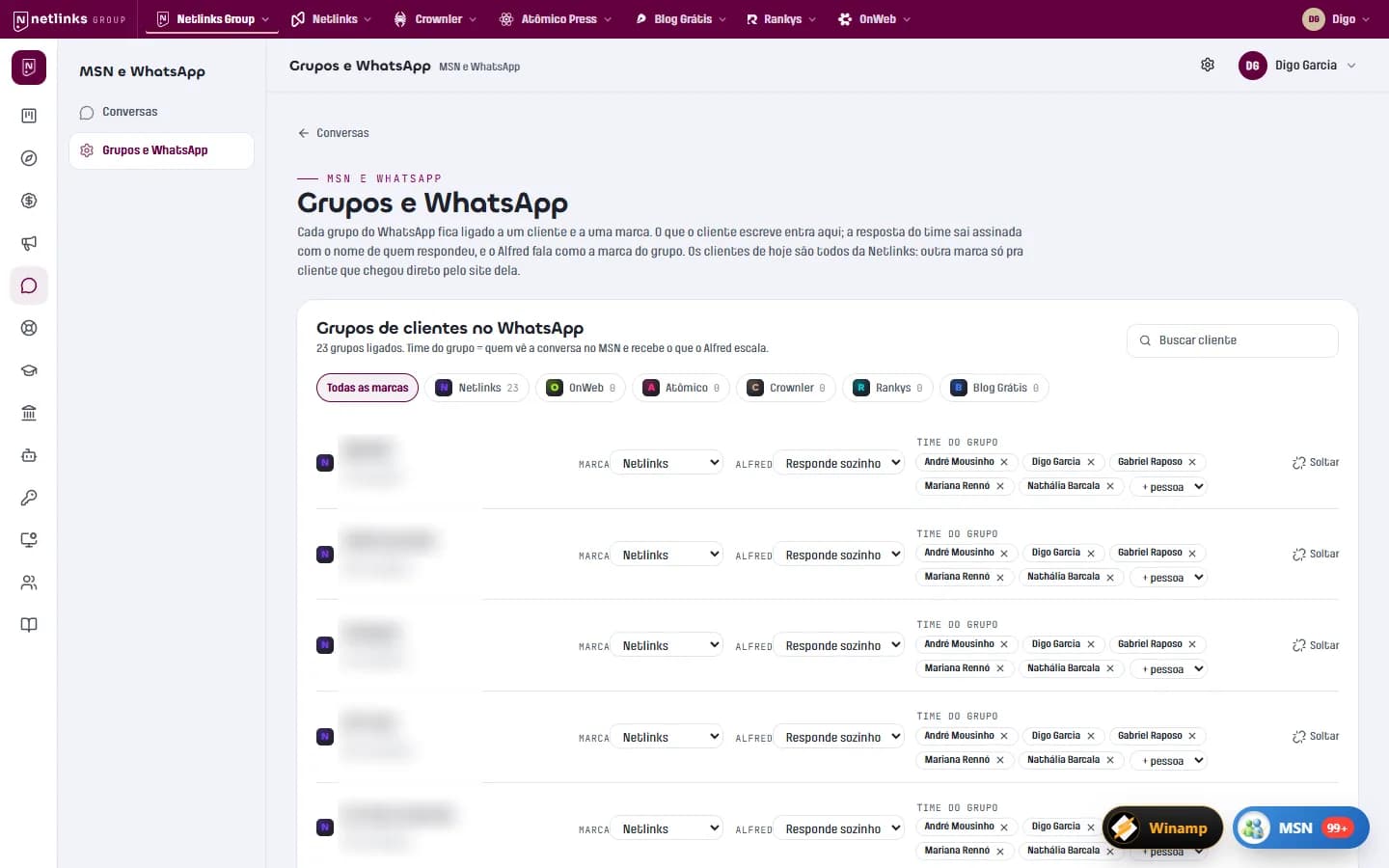
Internal platform · AI-powered operations
App Netlinks and Netlinks Group
The platform that runs the Netlinks Group: an MSN-style inbox integrated with clients' WhatsApp groups, Alfred answering as customer success, and finance that issues invoices and reads the bank balance on its own.
Read the case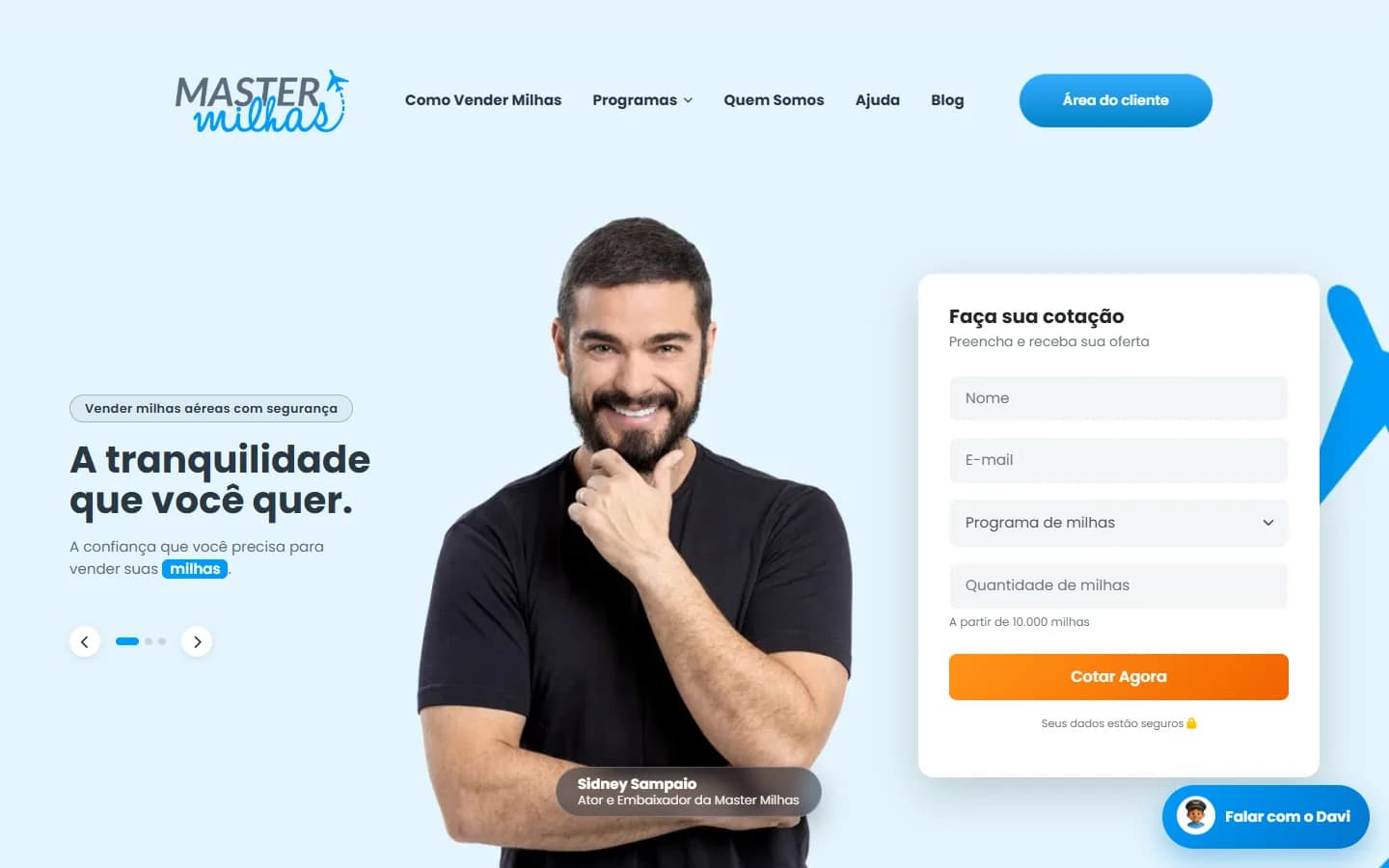
Travel · Airline miles buying
Master Milhas
A website with instant quotes, a custom CRM with a deal pipeline, a client area and Davi, an AI chatbot that checks the day's price and creates the quote in the CRM.
Read the case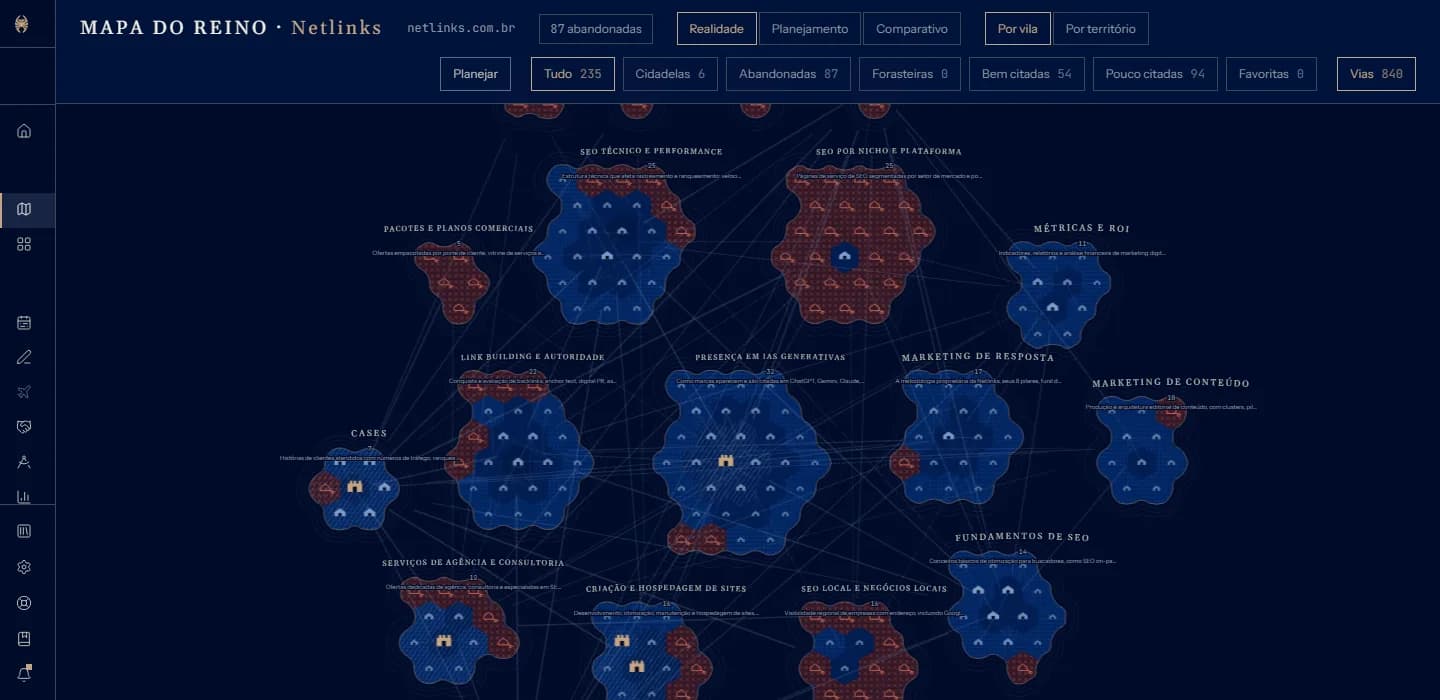
SaaS · SEO and GEO
Crownler
An SEO and GEO SaaS in four languages: it reads the whole site and draws it as a map, tracks Google and AI answers, produces content and talks to AI agents via API and MCP.
Read the caseFrequently asked questions
What is the difference between a corporate portal and an intranet?
An intranet is for internal users. A corporate portal can serve customers, suppliers and partners, each with their own area. Often both live on the same platform with different profiles.
Can the same login work across several systems?
Yes. We implement single sign-on across company systems, as we did at the Netlinks Group.
Can the portal have AI?
It can. An assistant that answers questions about the user's documents and history saves many support tickets.
Does the portal work on mobile?
Yes, it is responsive and can be installed as an app on the home screen.
Related services
Shall we turn your business on?
Tell us what you need. We reply with a diagnosis of the technical path, timeline and investment, with no strings attached.